

Sub Plans: Brain Dump to Coherent Plans in Three Prompts
Sub Plans: Brain Dump to Coherent Plans in Three Prompts 📋
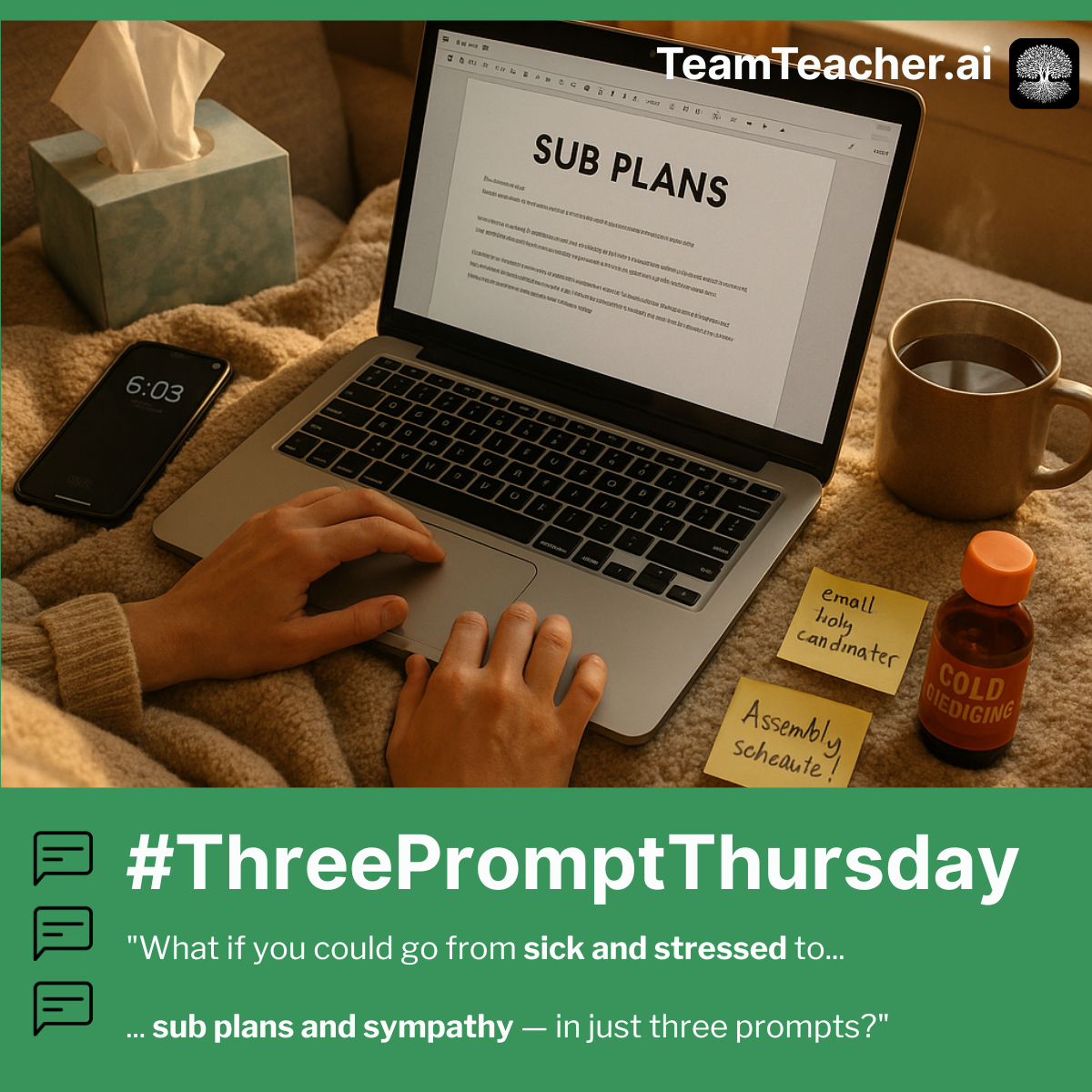
It's 6am. You're sick. You need sub plans, which means explaining tomorrow's lesson WHILE organizing logistics WHILE remembering student needs WHILE formatting so a stranger can follow it. Your brain can't do all that at once—nobody's can.
What if you could dump everything in your brain and get back clear, organized, sub-ready plans with no assumptions added? Just your information, formatted for YOUR context.
The Three Prompts
🧠 Prompt 1: The Brain Dump
"Hi! I need to create sub plans for tomorrow. I'm going to tell you everything about the day — the lesson, the schedule, materials, student considerations, classroom procedures, anything the sub might need to know. Please first help my brain out by mirroring back to me what I've told you in a way that makes sense. One thing though, please avoid making assumptions or including anything I haven't told you! Info vomit below, apologies for the chaos! [Your info dump here]"
🎯 Prompt 2: Format for YOUR Context
"Thank you! Now can you please draft sub plans for my specific context (see more info below). Create a clear, scannable document that this specific type of substitute can use. [Context like: --> Is this a building sub who knows your room, or a stranger? --> Does your building require a specific format or template? --> How much detail does this sub need? (minimal vs. exhaustive)]"
💡 Prompt 3: The Stuff You Always Forget
"Thank you so much! Okay, one more thing - can you also create a checklist for me? Include things like an email draft to send to the sub coordinator, etc. I always forget something when I'm rushing to get sub plans ready..."
Why This Works 🔑
The magic is in the messiness. When you show up as your authentic, overwhelmed, sick-at-6am self—"info vomit below, apologies for the chaos!"—the AI responds with more warmth, empathy, and thoughtful support than when you try to be formal and machine-like.
That human vulnerability in Prompt 1 sets a tone that cascades through the whole conversation. The AI doesn't just execute tasks—it becomes a supportive colleague who anticipates what you need, catches what you might have forgotten, and even tells you "don't feel guilty" when you need to hear it.
It turns out that sometimes a little human feeling and messiness is exactly what the AI needs to put on their most helpful and caring hat. ❤️🩹
What You'll Get ✨
This workflow creates sub plans that work for your specific situation:
- A brain dump mirror-back that helps you catch what you forgot to mention
- Plans formatted for your building's context and needs
- A checklist of admin tasks - executive functioning support for the WIN
- An email draft to send to the sub coordinator
Still sub plans. Still not fun. But at least they won't take 2 hours when you're sick.
🌳 Pro tip: Create a "Sub Plans" folder in TeamTeacher with your seating chart, dismissal procedures, and classroom management essentials. Reference it in Prompt 1 to make the brain dump even faster. Learn more about Folders.
This guide started as a #ThreePromptThursday post. See the original LinkedIn discussion